Create your storefront
Choose your preferences and prepare a store with a product collection ready to explore.
Set up Sellvia


14-day free trial · Built for beginners
Bring your own online storefront and marketplace starter resources together. Prepare your product collection and explore a second route to customers.
A quick start, with room to growSee how it works ↓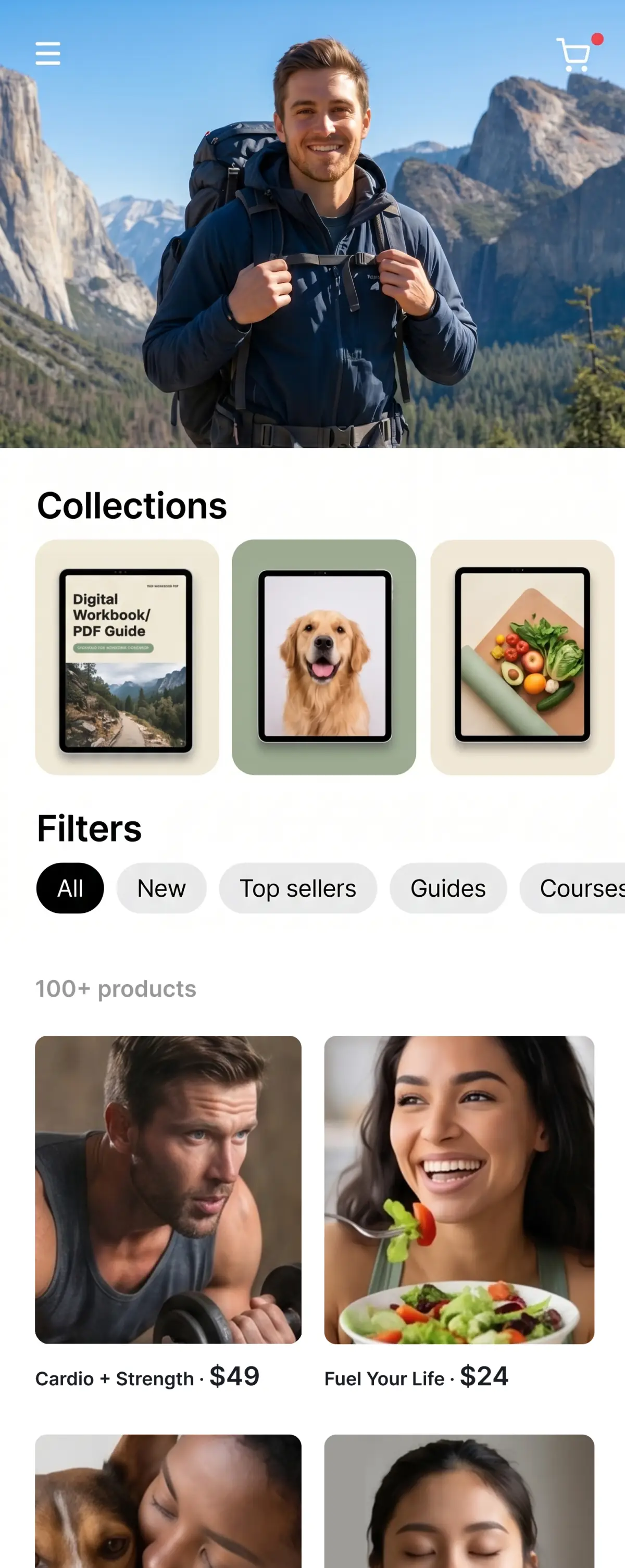
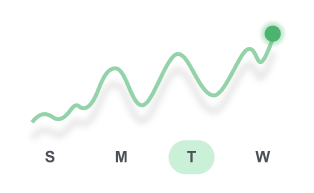
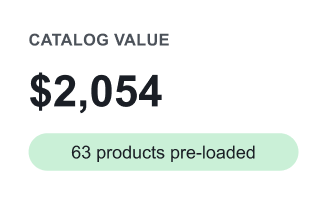
STEP 1 · YOUR STORE
Prepare a storefront with a product collection, mobile-ready presentation, and a website address that fits your brand.
Take your next step into marketplace selling.

1 · Create account ✓
2 · List your products ✓
3 · Publish store ✓






Active buyers worldwide
● Online now · 2.4M
Ad credit active
Orders update in real timeHow it works
A clear route from setting up your store to reaching your first customer.
Choose your preferences and prepare a store with a product collection ready to explore.
Set upPlan your first campaign and introduce products to the people they are made for.
PromoteFollow orders in your dashboard and keep track of revenue, costs and customer needs.
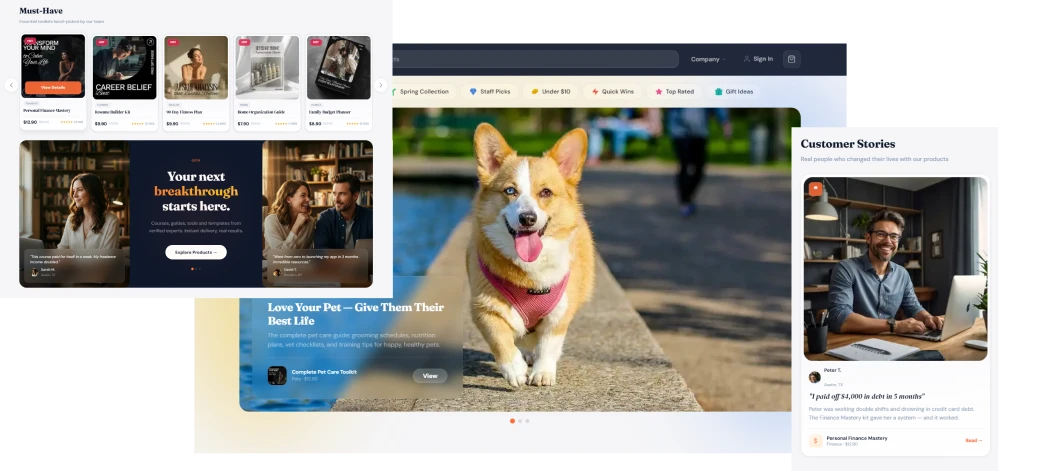
GrowYour store interface
Explore the page design, product cards and customer experience across screen sizes.
Included
The building blocks for presenting products and managing a business online.

An online shop with space for your brand, product collection and customer journey.

Adapt the look of your shop and present it clearly on phones, tablets and computers.

Organize the items you want to sell with categories, descriptions and imagery.

Explore additional channels and reach shoppers beyond your own website.

Ask questions as you plan your store launch and decide what to focus on next.

Get help with the everyday tools and tasks involved in running your website.
Your product catalog
Browse a selection of digital guides, resources and AI toolkits for everyday interests.










Recognition
Explore the recognition behind the store platform and its digital services.





 ★★★★★4.8924 reviews
 ★★★★★96%516 reviews
 ★★★★★4.8249 reviews


Real stories
A personal look at starting and running an online business.
Ruby, USAA personal look at starting and running an online business.
Christina, USAA personal look at starting and running an online business.
Rodney, USAA personal look at starting and running an online business.
Jack, AustraliaA personal look at starting and running an online business.
Ksenia, USAA personal look at starting and running an online business.
Miandra, USAThe package brings together a storefront, product catalog, design tools and access to support. Review the final package details when you register.
It combines the tools used to manage an online shop, from presenting products to processing orders. Your account gives you a central place to manage the business.
Order handling depends on the product. Digital items can be delivered electronically; physical items require a fulfillment and delivery process.
Choose a signup button and tell us about your business. You can discuss the store design, products and domain before moving forward.
The launch process depends on the information and account setup you complete. Your access details and next steps are provided during onboarding.
Choose the markets you want to serve and check payment, delivery and product availability for each country before launch.
The bonus supports your marketplace setup with product information and introductory resources. Your Amazon account and marketplace requirements remain separate.
The reference offer advertises a 14-day trial and a $39 monthly plan afterward. Confirm current pricing and what is included before completing signup.
Check the cancellation instructions and renewal date in your account. Keep a record of the confirmation when you cancel.
A recurring plan may require payment information for future renewals. Read the checkout terms and billing schedule before entering those details.
You can manage content and products through a dashboard. Learning the basic tools is enough to begin making everyday updates.
A modern browser on a laptop, desktop, tablet or phone can access the store and dashboard. A larger screen helps when arranging page content.
You can connect a domain after checking its DNS settings and hosting configuration. Keep access to your domain account available.
Check your plan for hosting, storage and bandwidth allowances. Keep your domain and subscription details up to date.
Use the support channel listed in your account and include the affected page, a description of the issue and any error message.
Bring your ideas, products and ambitions together online.
14-day trial · No inventory to hold · Built for beginners